
Before You Begin
- You must have access to Billing portal.
- Only users with billing permissions can update billing contact information.
Update Your Payment Method
Step 1. Open Billing
Navigate to: Setup → Billing
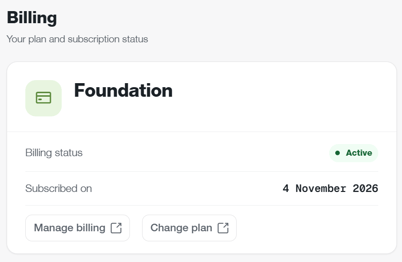
Step 2. Open Manage Billing
Click Manage Billing.
Step 3. Open Payment Details
Navigate to the Billing Information section.
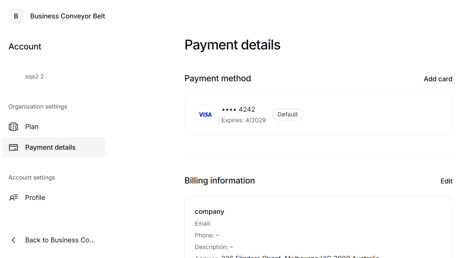
Step 4. Update Your Billing Information
Click 'Edit' to edit your billing information
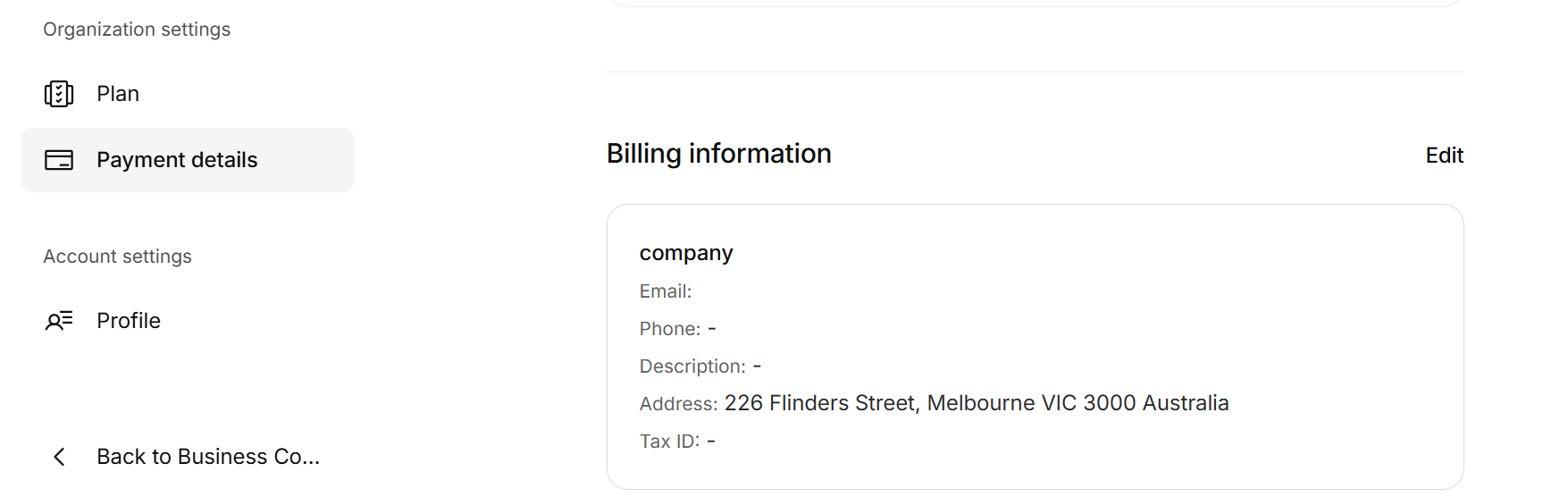
Step 5. Save Changes
Follow the prompts to save your updated billing information
Important Information
- Subscription invoices are sent to the email address entered in Billing Details.
- Billing notifications will also be sent to this email address.
- Changes take effect immediately after saving